Log In to ke777
Use your registered mobile number and password to sign in. A secure connection is maintained throughout every session.
Before You Log In
- To keep your account safe, only use ke777's official site ke777.lol. Avoid any third-party links.
- You can also log in from the mobile app. Download the App and play from anywhere.
- 24/7 live chat support is available. If you're having trouble logging in, start a chat directly.
- Entering the wrong password 5 times will temporarily lock your account. If you can't remember your password, check the recovery guide below.
- After logging in, you can deposit from ৳২৫০ directly using bKash, Nagad, Rocket or Upay.
How to Log In via Web & App — Both Methods Explained
There are two main ways to log in to ke777: through your browser or via the mobile app. Both methods are quick and take only a few seconds.
Browser / Website
-
1
Open ke777.lol
Type ke777.lol in any browser. Check for the padlock icon (🔒) in the address bar to confirm you're on the real site.
-
2
Tap the "Login" button at the top
You'll find the golden Login button on the right side of the navigation bar. Tap or click it to proceed.
-
3
Enter your phone number and password
Enter the 11-digit mobile number and password you used during registration. Tick "Remember Me" and your details will be filled in automatically next time.
-
4
Press the "Log In" button
If your details are correct, you'll reach your dashboard instantly. Your balance, active bonuses and game history will all be visible there.
ke777 Mobile App
-
1
Install the app
Go to the ke777 App download page (ke777-app), download the APK file and install it. The file is only 28 MB and requires Android 7.0 or above.
-
2
Open the app and tap Login
After the splash screen, you'll find the "Login" button at the top right corner of the home page.
-
3
Enter your details and sign in
Enter your phone number and password. The app remembers your device, so you can also log in with biometrics (fingerprint) next time.
-
4
Pick a game straight from the lobby
As soon as you log in, the game lobby opens up. Slots, fishing games and live tables — all categories are right there on one screen.
Three Login Options — Which One Is Right for You?
On ke777, you can log in using your mobile number, username or a saved session in the app. Check the table below to compare all three — speed, best use case and what to keep in mind.
| Login Method | Login Speed | Best For | Things to Note |
|---|---|---|---|
| Mobile Number + Password Recommended | Fast (~5 seconds) | First-time login from a new device or browser | If your number changes, you'll need to update your account |
| Username + Password | Fast (~5 seconds) | When your mobile number has changed or you'd rather not share it | Username must be set at the time of registration |
| ke777 App — Saved Session | Fastest (1–2 seconds) | Daily use and quickly getting back mid-game | If you lose your device, change your password immediately |
To use all three methods, you need to create an account first. Registration is completely free and takes less than 3 minutes.
Can't log in? Here are 6 common reasons and fixes
Most login issues can be sorted out on your own. Each problem below comes with a clear cause and a specific solution.
Password showing as incorrect — what should I do?
Cause: Upper and lower case letters don't match, or your phone's auto-correct is changing the password as you type.
Fix: Tap the eye icon on the right side of the password field to show your password. Check that Caps Lock is off. Turn off auto-correct on your phone keyboard and try again. If it keeps failing, go to the Password Recovery section below.
Account got locked — how long do I have to wait?
Cause: Entering the wrong password 5 times in a row triggers an automatic temporary lock to protect your account.
Fix: Wait 30 minutes and the lock will lift automatically. If you need access sooner, contact 24/7 live chat. The live chat agent will verify your identity and help you right away. To avoid this in future, consider using a password manager.
OTP or verification code not arriving — what now?
Cause: Mobile network delay or the SMS ending up in your blocked messages folder.
Fix: Wait 60 seconds, then tap the "Resend" button. Check if ke777's number is on your phone's SMS block list. Toggle flight mode on and off to refresh your network. If it still doesn't arrive, let live chat know — the agent will help you verify through an alternative method.
Login page won't load on a weak network — how do I fix this?
Cause: On a slow connection, the session times out before the page finishes loading all its resources.
Fix: Switch from mobile data to Wi-Fi, or the other way around. Clear your browser cache (Settings → Browser → Clear Cache). Installing the ke777 App helps — the app loads the login page faster on weak networks because it stores some resources locally on your device.
Getting a "User not found" message — what's the reason?
Cause: The mobile number entered is incorrect, or a different number was used during registration.
Fix: Make sure you're entering 11 digits without +88 or 0 at the start. If you have more than one number, try the other one. If you don't have an account yet, go to the Register page.
Session ends immediately after logging in — what should I do?
Cause: If cookies are disabled in your browser or you're using private/incognito mode, the session token cannot be saved.
Fix: Check that cookies are enabled in your browser settings. Close private mode and try again in a regular tab. For longer sessions, use the ke777 App — the app keeps your session active automatically so you won't need to log in again and again.
Forgot your ke777 password? Get it back in just 3 steps
Forgetting a password happens to everyone. On ke777, you can recover it safely by verifying your phone number. The whole process takes no more than 5 minutes.
-
1
Tap the "Forgot Password?" link on the login page
You'll find the link just below the password field. Tap it and the recovery screen will open.
-
2
Enter your registered mobile number and receive the OTP
After entering your number, a 6-digit OTP will be sent to you via SMS. It usually arrives within 30 seconds. If it doesn't, wait 60 seconds and tap "Resend".
-
3
Set your new password
Once OTP is verified, you'll be taken to the new password creation screen. Use at least 8 characters, one number, and one special character (such as @, #). After the change is done, log in directly with your new password.
If your phone number has changed: If you no longer have access to your old number, contact us via Live Chat. Our agent will verify your national ID and help add the new number to your account.
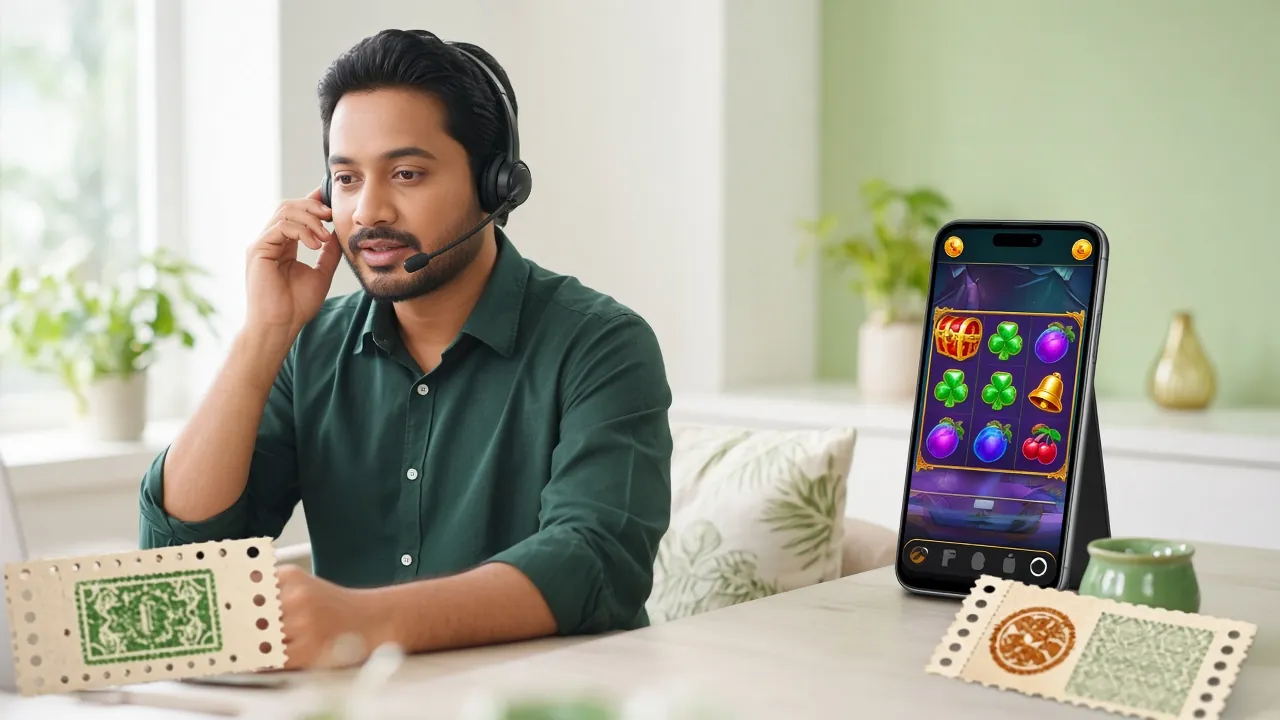
Follow these security rules before making transactions with your mobile wallet
There is a risk of fraud when depositing via bKash, Nagad, Rocket, or Upay. Follow the checklist below to keep your transactions safe.
No ke777 representative will ever ask for your bKash PIN or OTP. If anyone does, they are definitely a scammer — end the conversation immediately.
Always use the latest number shown in the (ke777 Deposit Guide). Never send money directly to any number received via SMS or WhatsApp.
After completing a bKash or Nagad transaction, take a screenshot that includes the Transaction ID (TrxID). If any issue comes up, this proof will help you get it resolved quickly.
Scammers pretend to be ke777 staff and call or message users. Real support only contacts you through Live Chat inside the site — we never call from outside.
After a successful transaction, your balance is usually updated within 5 minutes. If it still hasn't appeared after that, contact Live Chat with your TrxID — don't just wait.
Before logging in, make sure your browser shows ke777.lol and the green padlock (HTTPS) is visible. Phishing sites can look identical to the real one.
Most common questions about ke777 login
Can I log in to ke777 from two devices at the same time?
Yes, you can be logged into the same account on both mobile and desktop at the same time. However, for security reasons, avoid logging in from unfamiliar devices. If a session from an unknown device is still active, go to Account Settings and close that session. If you're suspicious, change your password right away.
My balance is showing zero after login — where is my money?
Sometimes the balance takes a moment to load after login — wait 30 seconds and refresh the page. If it still shows zero, check your transaction history. If transactions are listed there, it may be a server issue; share your TrxID in Live Chat and an agent will verify it quickly.
Do I get different bonuses by logging in through the app instead of the website?
Bonuses remain the same regardless of how you log in. However, ke777 App users get push notifications about limited-time promotions earlier than others. To download the app, visit this page.
I'm not sure if I already have an account — how do I check?
Try entering your mobile number on the login page. If you see a "User not found" message, it means no account exists. In that case, go to the Register page and create a new account. Registration is completely free and only takes a few minutes.
I've forgotten my old password and my phone number has also changed — what should I do?
In that case, contact us via live chat. Our representative will verify your identity using your National ID (NID) or passport number — the account recovery process is completed within 12 hours. You can then add your new number to the account.
The ke777 login page is showing a "Site Not Secure" warning — what should I do?
First, make sure you are on ke777.lol and not on any look-alike domain. Clear your browser cache and open the site in a new tab. If the warning still appears, update your browser or try a different one. ke777 always uses SSL encryption.
Already have an account? Log In Now
Over 2,400+ games are waiting for you at ke777. Log in and start today's session — deposit from just ৳250 via bKash or Nagad.
18+ · Responsible Gaming · For registered members only